
A / Sales gallery
On the gallery touchscreen.
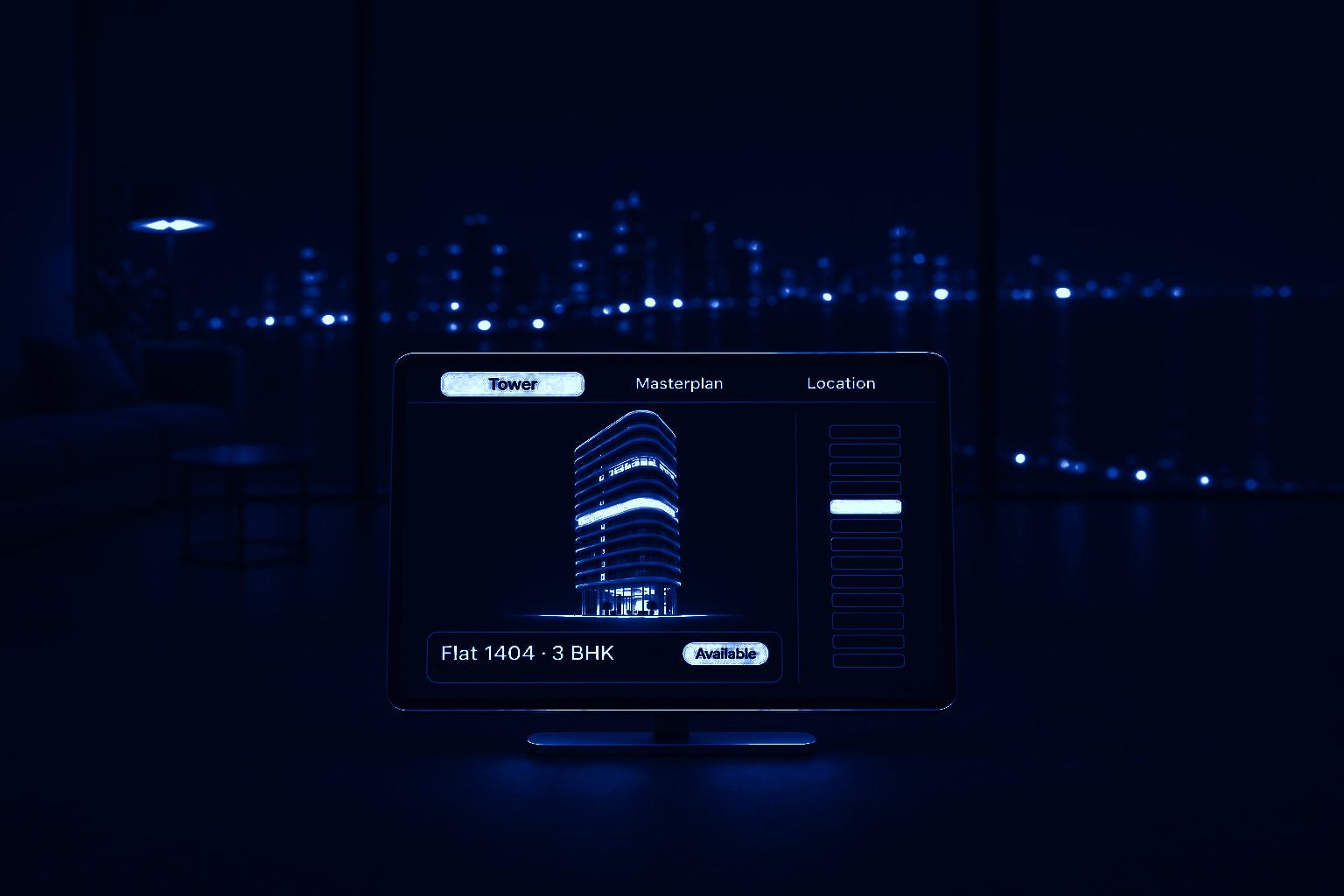
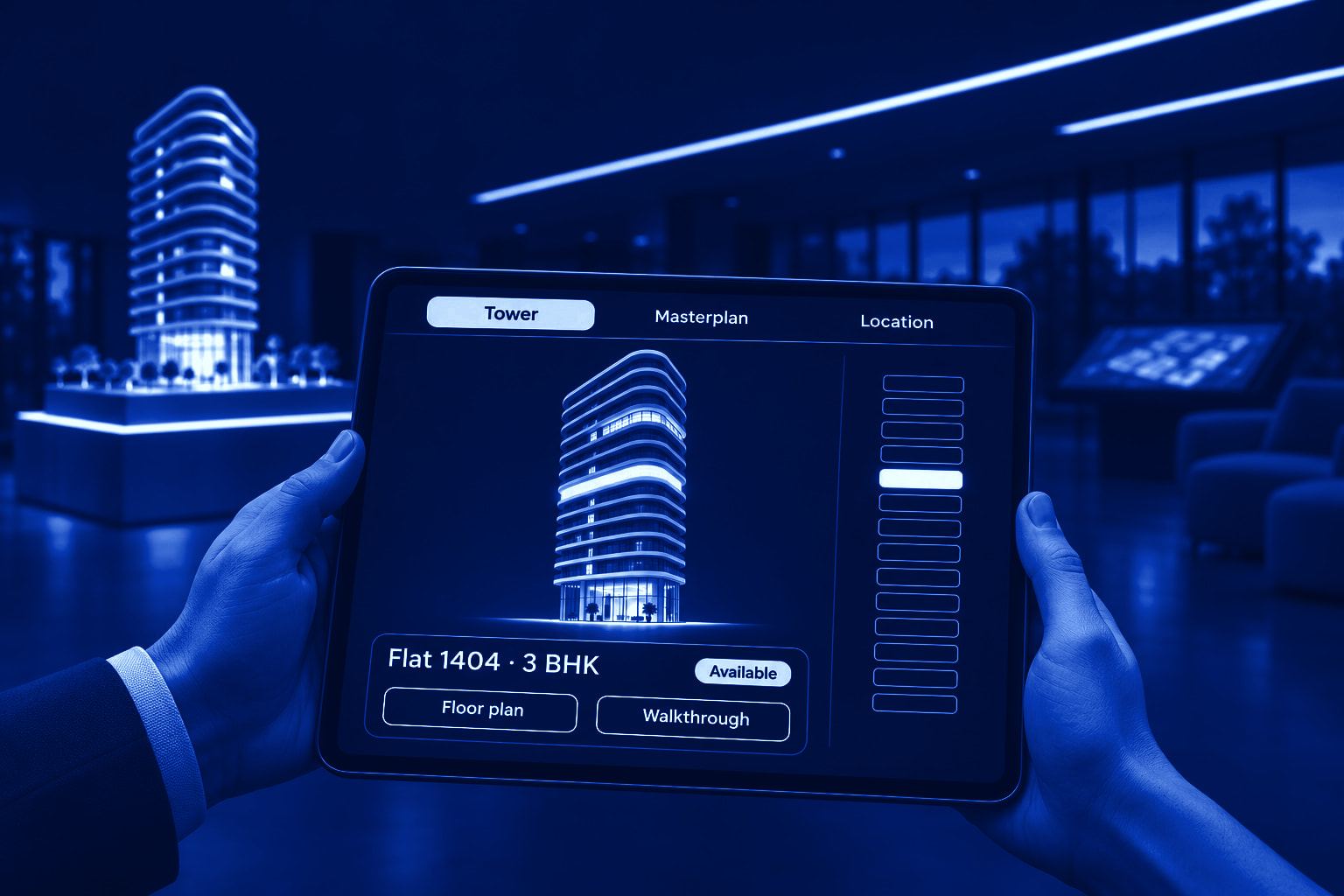
Your salesperson turns the tower, picks a floor and opens a flat for every walk-in: its plan, walkthrough and view.
3D sales applicationfor real-estate developers
Then your sales team sells from it: an application on gallery touchscreens, tablets and laptops, not a folder of renders. Nothing goes live until you sign it off.
A / Sales gallery
Your salesperson turns the tower, picks a floor and opens a flat for every walk-in: its plan, walkthrough and view.
B / Sales team
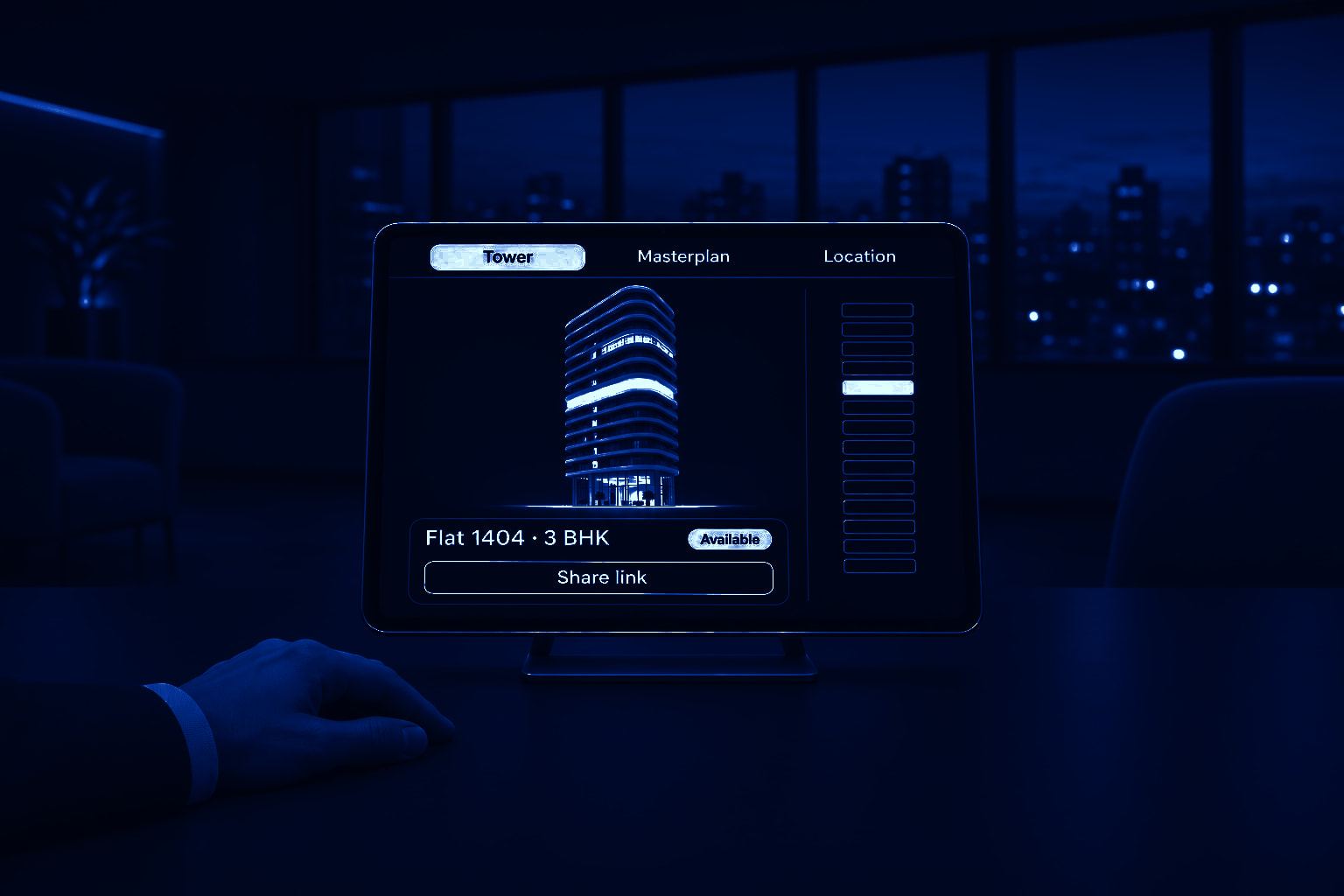
The same flat goes to site visits and meetings, with its plan, view and walkthrough, and your team marks it booked from the same screen.
C / Sales office
Every flat's status, floor by floor. Your team marks a flat booked once, and your gallery screens show it.
What each project includes
On your gallery screens, your team's tablets and laptops, and every link they send.
Your sales team and your sales agencies work on touchscreens, tablets and laptops. FlatVue is built for those screens.
01 / Sales gallery
On the big touchscreen, your salesperson turns the tower, picks a floor and opens a flat for every walk-in.
02 / Sales team
On a tablet, the same project goes to site visits, meetings and a buyer’s home: the floor plan, the walkthrough and the view from that floor.
03 / Sales agencies
Your channel partners open the same tower, floor plans and walkthroughs on their own laptops and tablets, from a link your team sends.
A buyer books flat 1404 at 4:12 pm. Your team marks it once, and your gallery screens show it as not available.

Floor 04 · Same layout

Floor 09 · Same layout

Floor 14 · Same layout

Floor 18 · Same layout
04 / Views
Open the same layout on floors 4 and 18, side by side.
05 / Where it works


Walk-ins, channel partners and bookings arrive in the same few days. The 3D has to work from the first walk-in.
Show a buyer the flat they asked about: each typology and floor on the tablet in your salesperson’s hand, not only the layout in your sample flat.
One flat as a link, with its floor plan, walkthrough and view, that the buyer can forward to family anywhere.
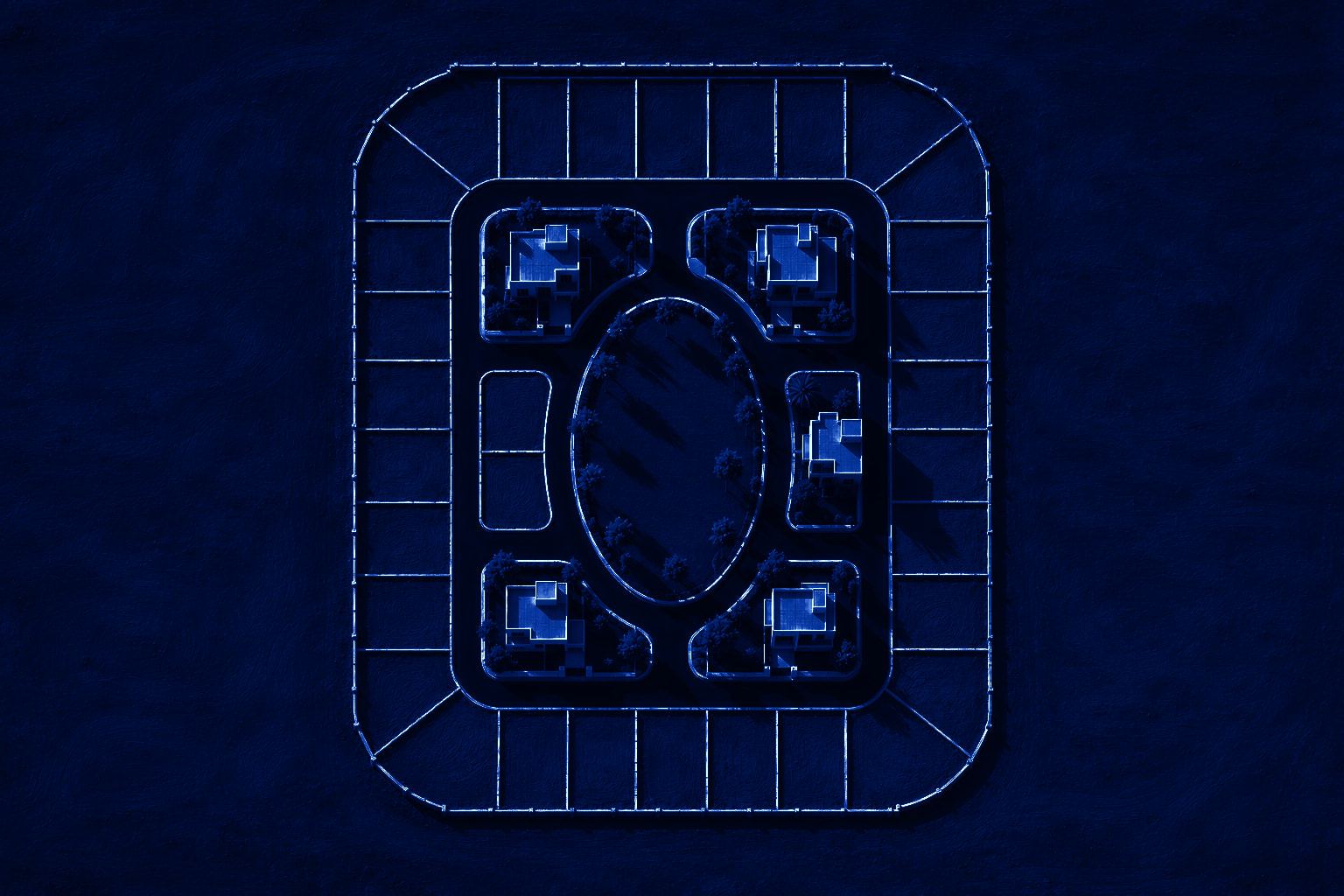
Your layout in 3D, on your gallery screen and your team’s tablets. Turn the whole site, tap a plot and see its details.
The same tower, flats, floor plans and walkthroughs, on their own laptops and tablets, from a link your team sends.

We start from your sanctioned drawings.
You send your tower and flat count. We reply with the price and a go-live date in writing.
You send your drawings, finishes schedule, inventory and price list.
We make the 3D of your tower or layout, with floor plans, walkthroughs, views and the location map.
You, or the person you name, check it on your own tablet or laptop and sign it off. Nothing goes live before that.
Your gallery screens and share links go live.
Your team marks each flat’s status, and the gallery screens show it.
We don’t take bookings or payments.
Your team collects the token and booking amount, as it does today.
We don’t contact your buyers.
They hear from your team, never from us.
We don’t supply LED rooms or holograms.
FlatVue runs on the touchscreens in your gallery.
We don’t push your buyers.
No countdowns, and no “selling fast” labels on their screens.
We don’t take on render-only work.
If a render is all you need, there are cheaper ways to buy one.
Our rate card is not published yet. Send us your tower and flat count, and we reply with the price and the go-live date in writing.
The price covers
Your project in 3D: tower and masterplan views, flat and plot selection, floor plans, walkthroughs, views and the location map.
On your gallery screens, your sales team’s tablets and laptops, and the links they send.
Live availability on your gallery screens.
Not included
LED rooms and holograms. FlatVue runs on the touchscreens in your gallery.
A free pilot or a discount. The rate is the same for every developer; if the budget is tight, we reduce the scope.
No. Keep your sample flat. Nothing on a screen replaces walking through it and touching the finishes. FlatVue shows the typologies, floors and views it does not.
No. Your team can send the flat’s link before the site visit, so the family can open the plan and walkthrough first.
Several firms, us included, make the same 3D towers, floor plans and walkthroughs. Judge ours on a tablet or a laptop. What differs is what we put in writing before you sign: your price and your go-live date.
We are new. Open the demo on a tablet or a laptop, and start with one tower. You commit to nothing beyond it.
No. Our rate is the same for every developer, so if the budget is tight, we reduce the scope.
Yes. Send your architect’s drawings before sanction. We start work, check each flat against the sanctioned set before go-live, and send nothing before registration.
No authority certifies a sales tool, so we make no such claim. We check each flat against your sanctioned set before go-live and make nothing live before registration.
Yes. Buyers turn the whole layout, tap a plot or a villa and see its details.
Yes. Your channel partners open the same project on their own laptops and tablets, from a link your team sends.
No. We never message your buyers or sell their details; your team and your channel partners talk to them.
Tell us about your project. We reply with the price and a go-live date in writing.